Online Measurements
Widget Style
Choose a widget style that matches your site's aesthetic and highlights this advanced sizing tool at exactly the right moment.
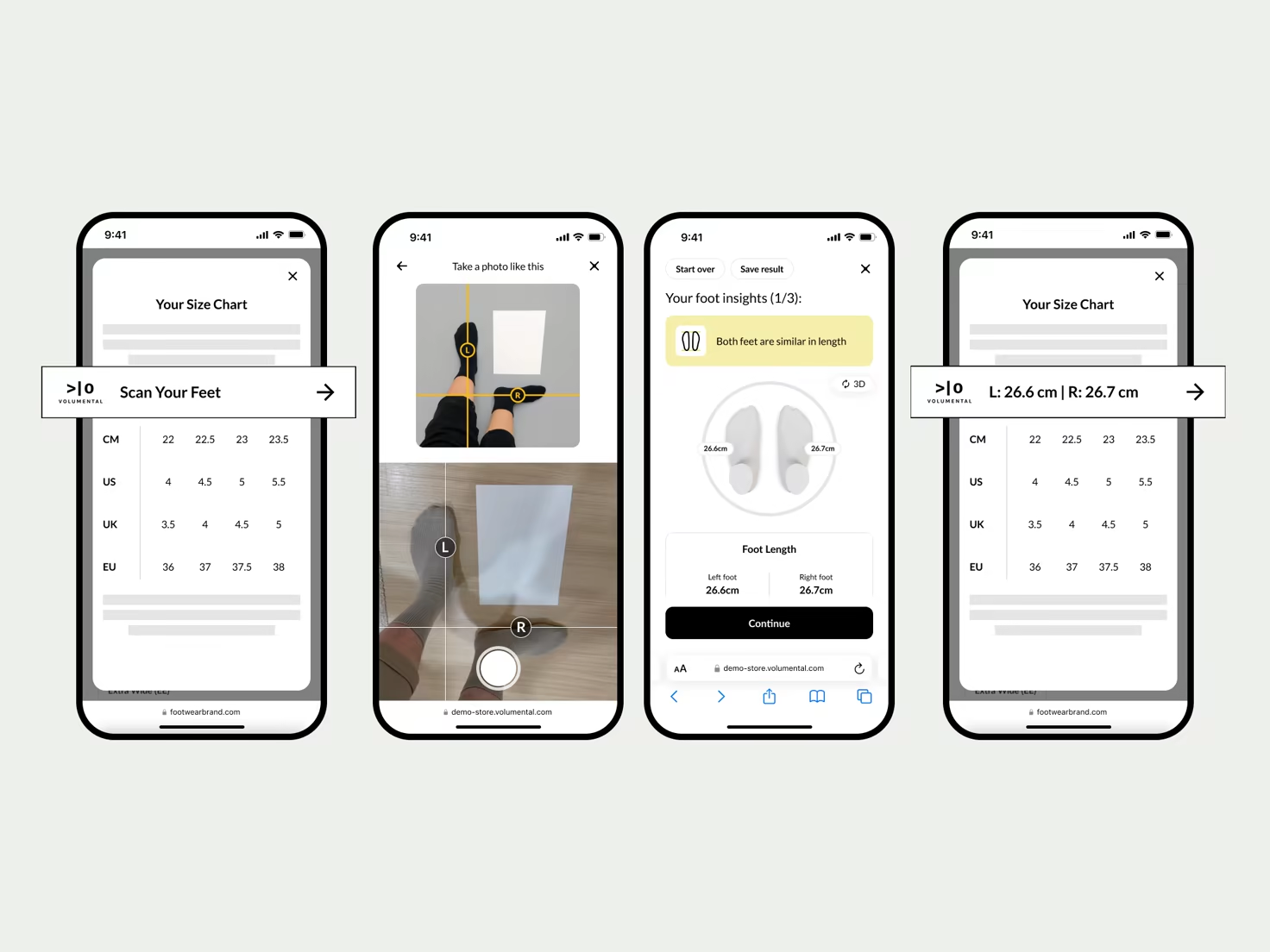
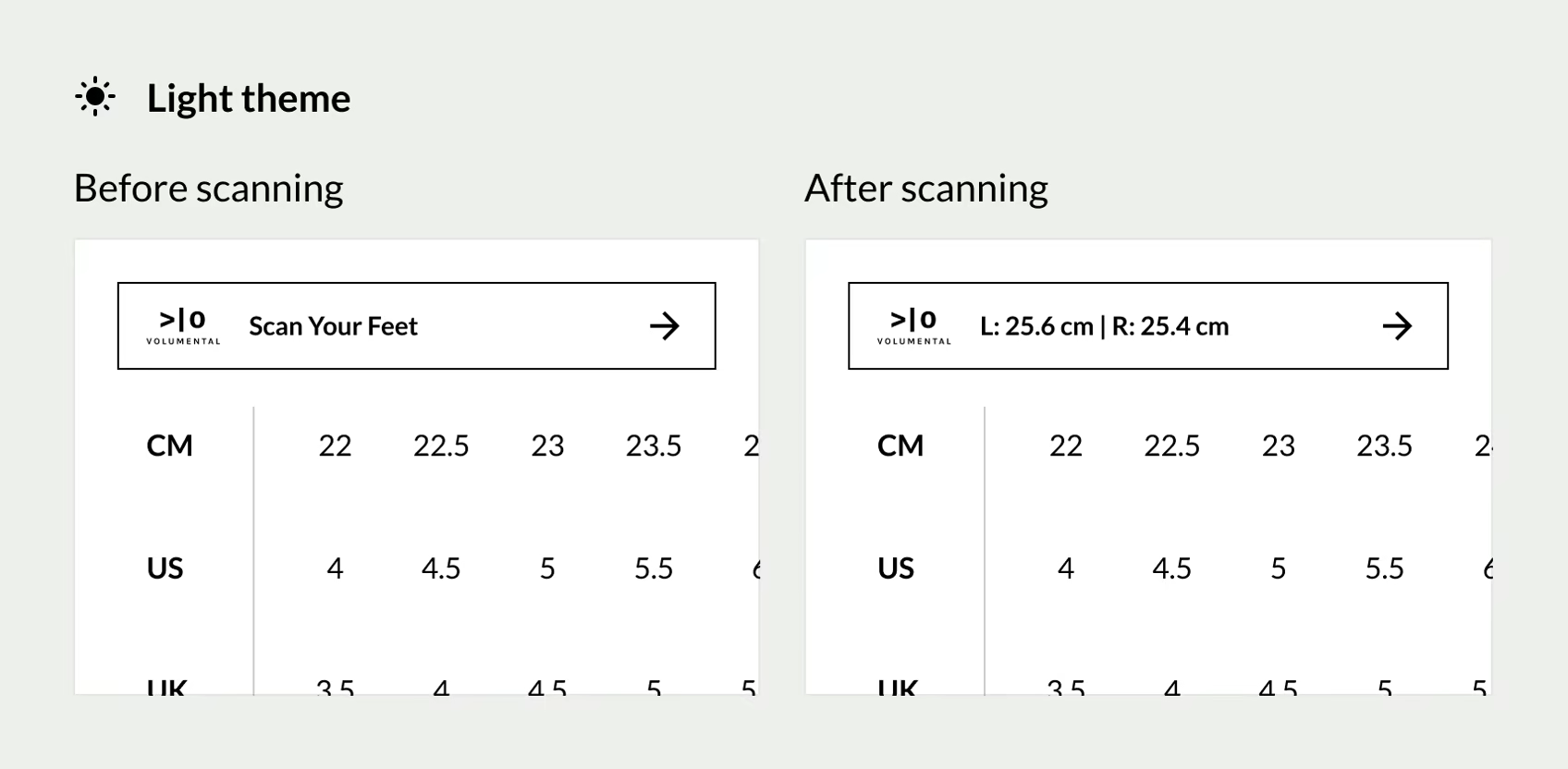
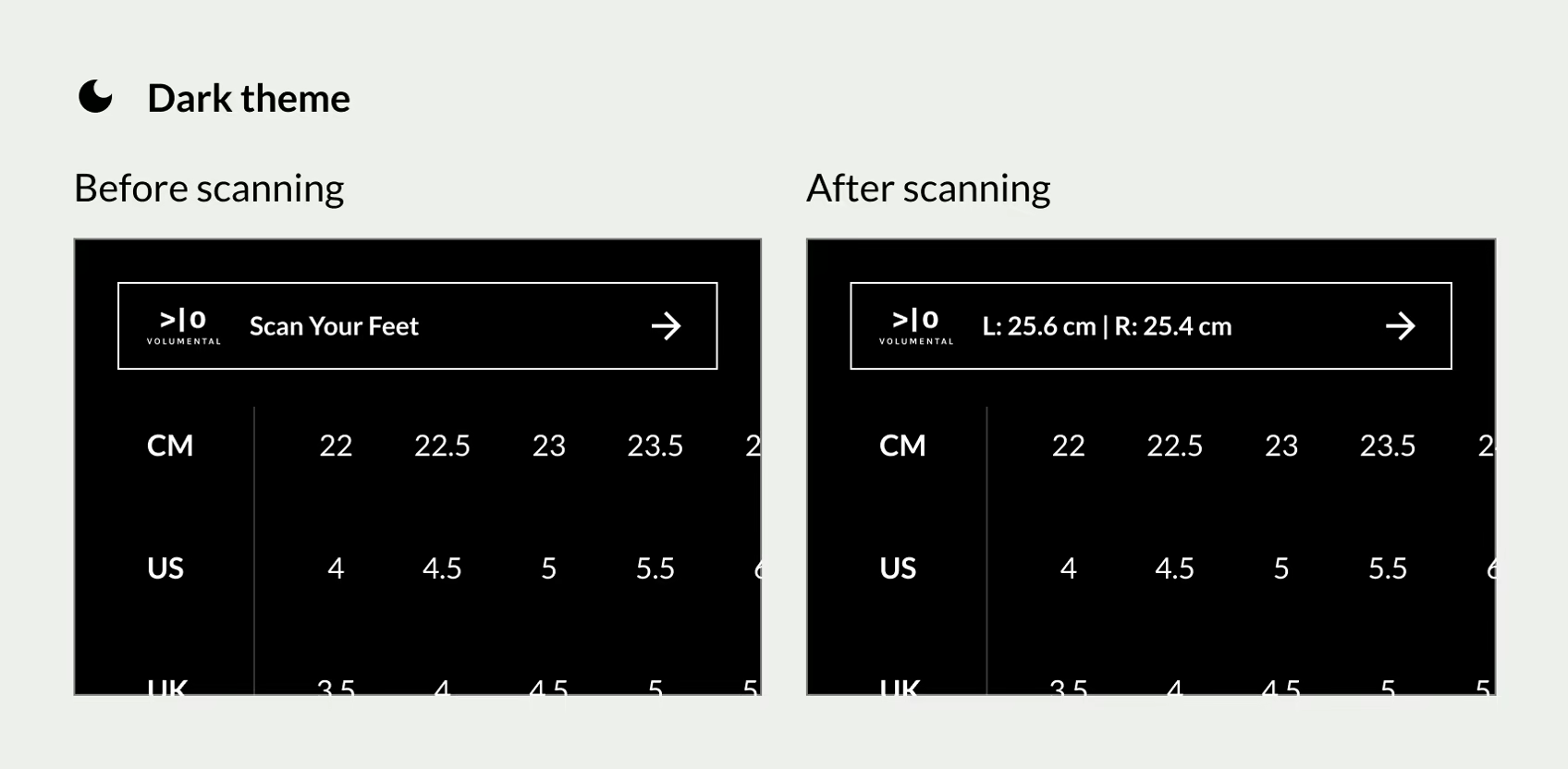
Outline Style
The full widget bar in its own frame, impossible to miss. Use it where sizing has the stage to itself, inside your size chart or size guide. It starts as one clear call to action and, once shoppers scan, carries their measurements right in the bar. Available in light and dark to match your theme.
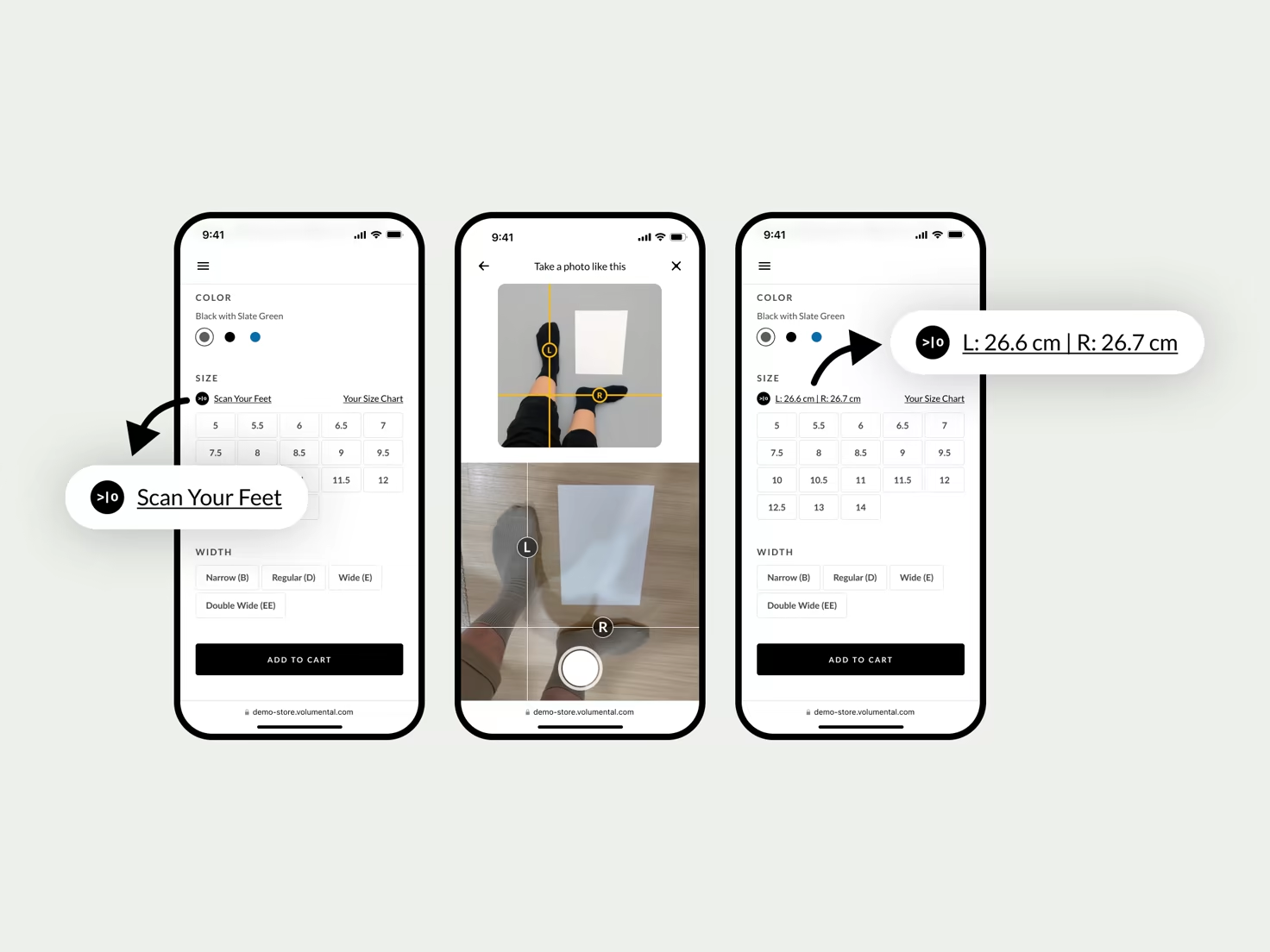
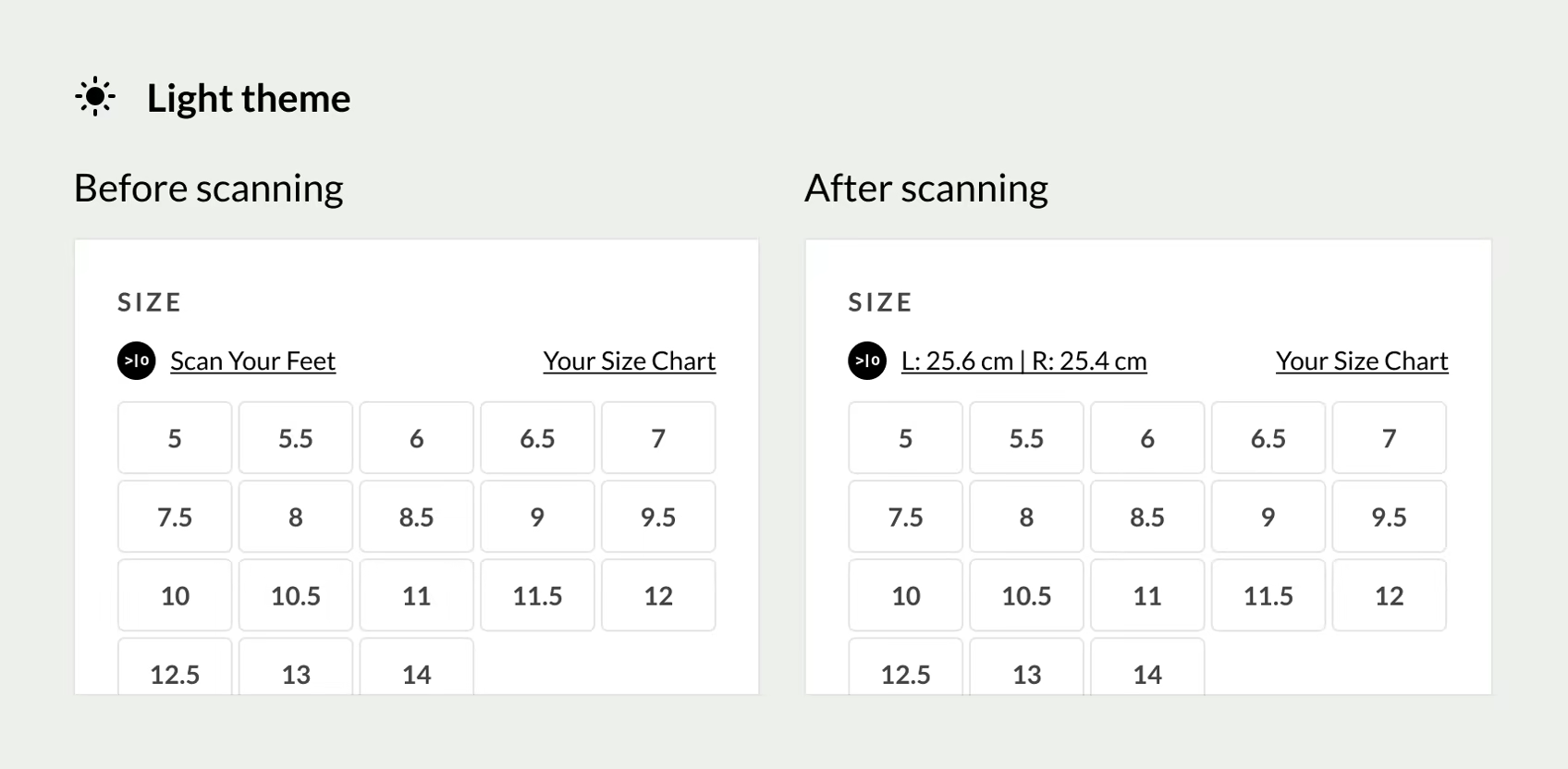
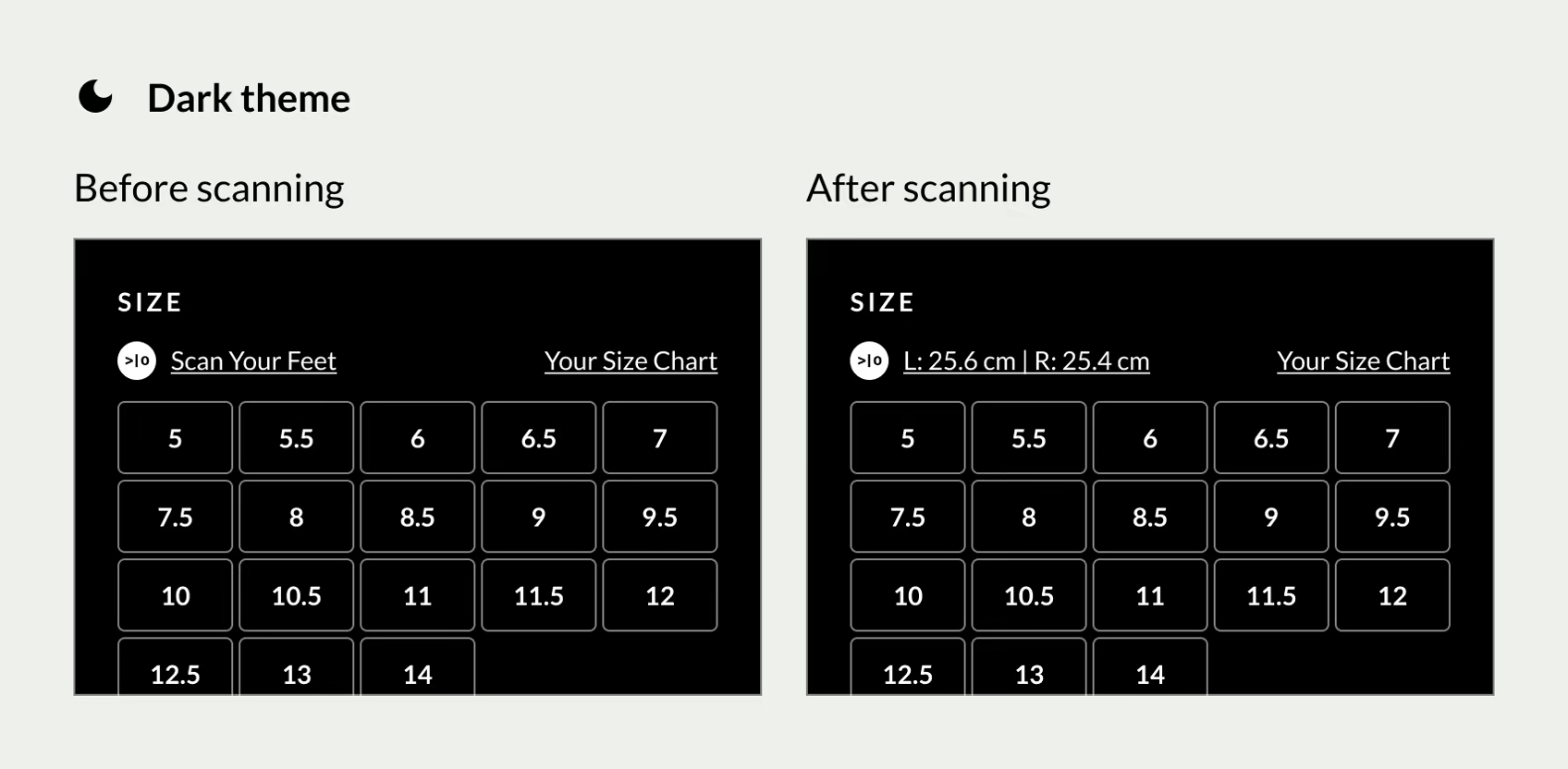
Link Style
A compact text link that slips into dense UI without stealing focus. Use it in the size selector, right where shoppers already compare options. It opens the same scan flow, and after scanning it shows their measurements inline. Available in light and dark to match your theme.